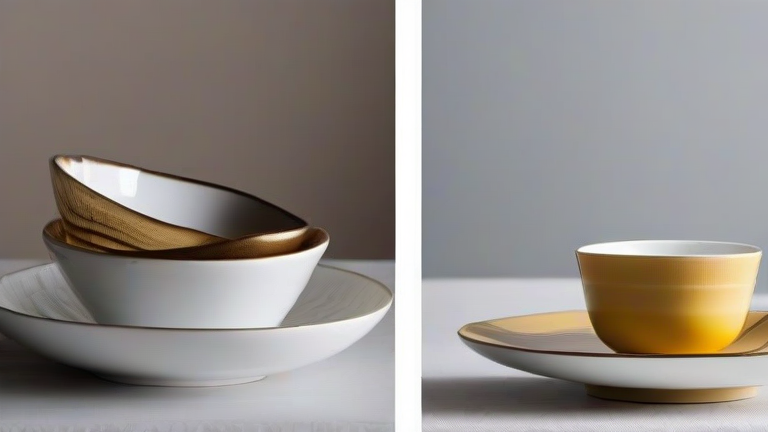
TL;DR: To set up a Shopify store for selling porcelain gift ideas, sign up at Shopify.com, choose a theme, add your porcelain products with crisp photos and detailed descriptions, then configure payments, shipping, and launch. Focus on product storytelling and bundle sets to make your porcelain gifts stand out from generic home decor stores.
Step 1: Create Your Shopify Account and Store Name
Go to Shopify.com and click “Start free trial.” Enter your email, password, and a store name that reflects your niche—e.g., “PorcelainGiftAtelier” or “CeramicKeepsakes.” After confirming, Shopify will ask a few questions about your industry. Choose “Home & Garden” and “Physical products.” This helps Shopify tailor your admin dashboard. Tip: Don’t stress about the name—you can change it later in Settings > General.
If you want to dig deeper, check out our guide on 10 Unique Porcelain Gift Ideas: A Step-by-Step Tutorial.
Step 2: Pick a Theme That Highlights Porcelain Craft
In the admin, go to “Online Store” > “Themes.” Click “Explore free themes” and select a minimal, image-heavy theme like “Dawn” or “Craft” (both free). For porcelain gifts, you want a clean white background and large product grids to show glaze details. Install the theme, then customize it: set your homepage hero text to “Handcrafted Porcelain Gifts for Every Occasion” and use soft, neutral tones (ivory, sage, blush) to match ceramic aesthetics.
Step 3: Add Your Porcelain Products with Gift-Focused Descriptions
Click “Products” > “Add product.” For each item, write a title like “Floral Teacup Gift Set – Hand-Painted Porcelain.” In the description, emphasize gifting: “Perfect for bridal showers, housewarmings, or Mother’s Day.” Add multiple variants (e.g., size, color) if you offer them. Upload 3–5 high-resolution photos per product—but remember, Shopify will auto-generate alt text; manually edit it to include “porcelain gift” for SEO. Tip: Create a “Gift Bundles” product type, combining a vase + matching coasters at a slight discount.
Step 4: Set Up Payments, Shipping, and Taxes
Go to “Settings” > “Payments” and activate Shopify Payments (or PayPal). For shipping, under “Settings” > “Shipping and delivery,” create a flat rate for porcelain items—use “$9.99” for single items and “Free shipping over $75” to encourage larger gift orders. Since porcelain is fragile, add a “Fragile Handling” note and set a handling fee of $2.00. For taxes, enable automatic tax calculation based on your state or country.
Step 5: Configure Gift-Specific Features
In “Settings” > “Checkout,” enable “Gift notes” so buyers can add a personalized message. Also, add a “Gift wrapping” option in product variants (e.g., +$5.00) for each porcelain item. Under “Apps,” install a free “Gift Wrap” app or use Shopify’s native “Cart” feature to add a checkbox. This is crucial for your niche—porcelain buyers often purchase for weddings or anniversaries.
Step 6: Launch and Test Your Store
Preview your store by clicking “View your store.” Test the checkout with a fake order (use Shopify’s “Bogus Gateway”). Ensure product pages load fast and mobile view looks clean. Then, under “Online Store” > “Preferences,” add a title tag like “Porcelain Gifts | Handcrafted Ceramic Keepsakes.” Finally, click “Sales channels” > “Add sales channel” and connect your social media accounts to start promoting.
FAQ
Q: How long does it take to set up a Shopify store for porcelain gifts?
A: With focused work, you can launch in 4–6 hours, including adding 10–15 products and configuring shipping. If you